Android’s Legacy Navigation Keys Find a Home on Googlebooks
The F1, F2, and F3 keys on modern Googlebook keyboards bear a striking resemblance to the classic navigation icons of Android 5.0 Lollipop. While gestures have become the mobile standard, these physical triangle, circle, and square buttons serve as a functional bridge for users navigating non-optimized Android applications on desktop hardware.
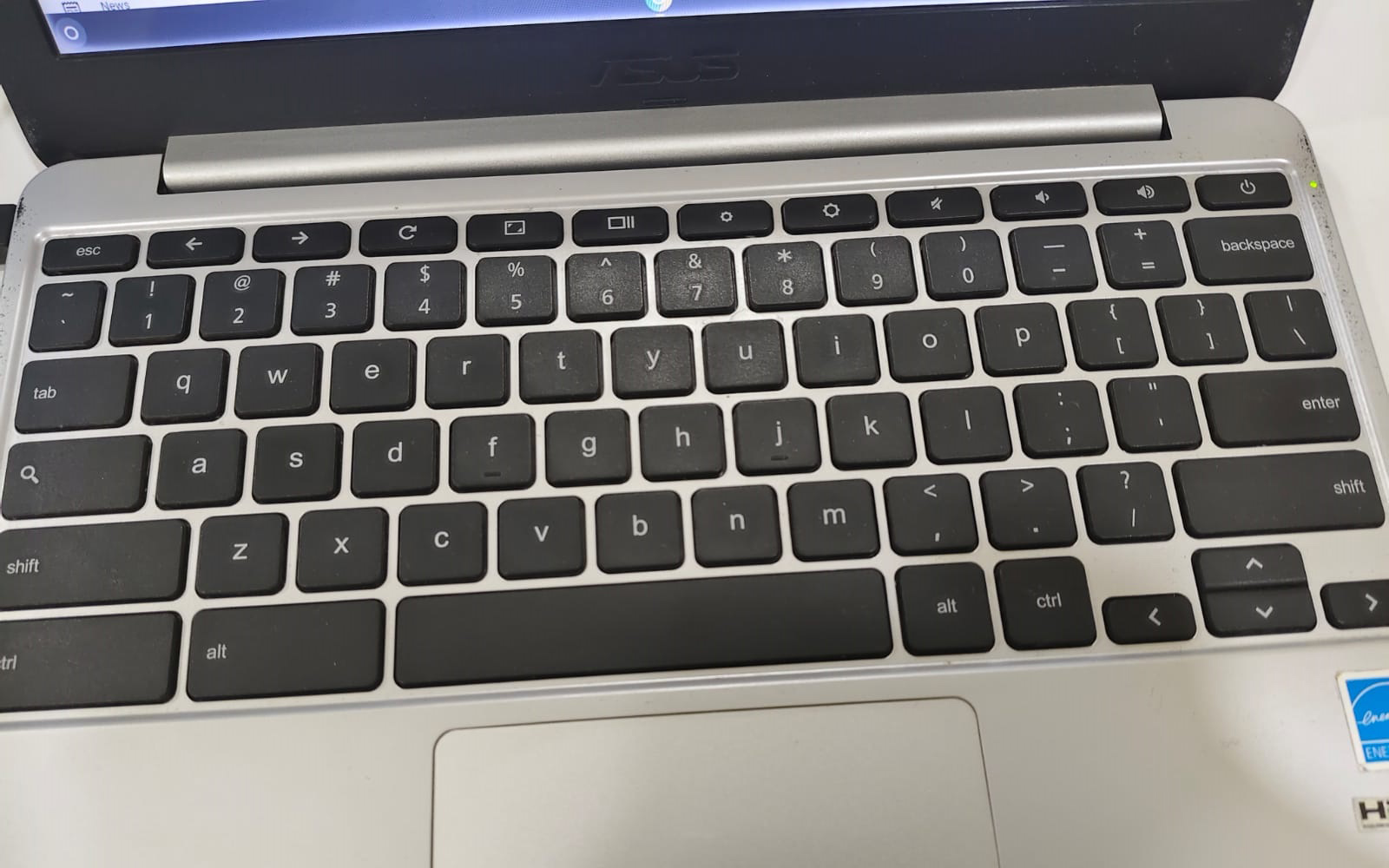
The integration of these icons provides a familiar tactile experience for longtime Android users, effectively mirroring the back, home, and app-switcher functions that defined the platform a decade ago. On Googlebook OS, the left-pointing triangle acts as a back command, the circle minimizes open windows, and the square triggers a multitasking view reminiscent of desktop environments like macOS or Windows.
Beyond the nostalgia of the Nexus era, these keys address a genuine technical gap. Android apps often struggle with mouse-driven interfaces, making a dedicated back button a practical necessity rather than a stylistic choice. While the current implementation lacks certain advanced features—such as toggling back to previous states with a second press of the home key—the consistency across the Googlebook lineup offers a reliable fallback when touch-based gesture controls falter in a desktop workspace.
Comments (0)
No comments yet. Be the first!